o8 for iOS

The operator’s seat, in your pocket.

o8 runs a fleet of coding agents on your Mac under one orchestrator. The phone is how you steer it away from the desk — chat with the orchestrator, approve agent work, drive a real terminal, and watch the fleet. A remote control that talks straight to your machine.

Direct and encrypted to your Mac — no o8 servers between you
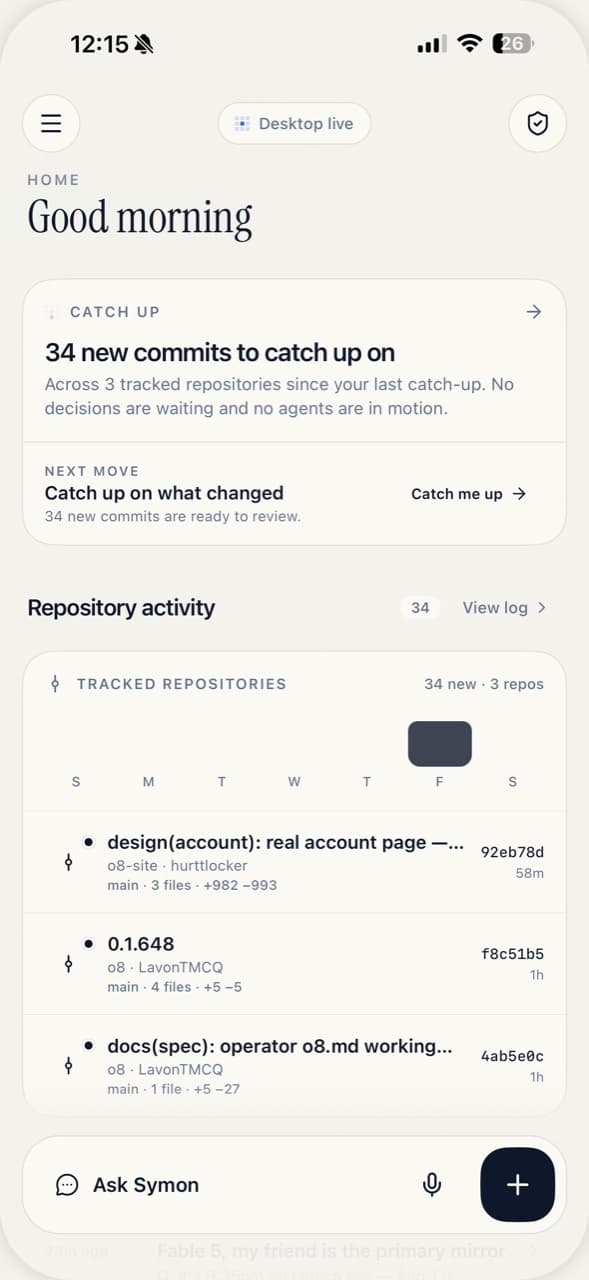
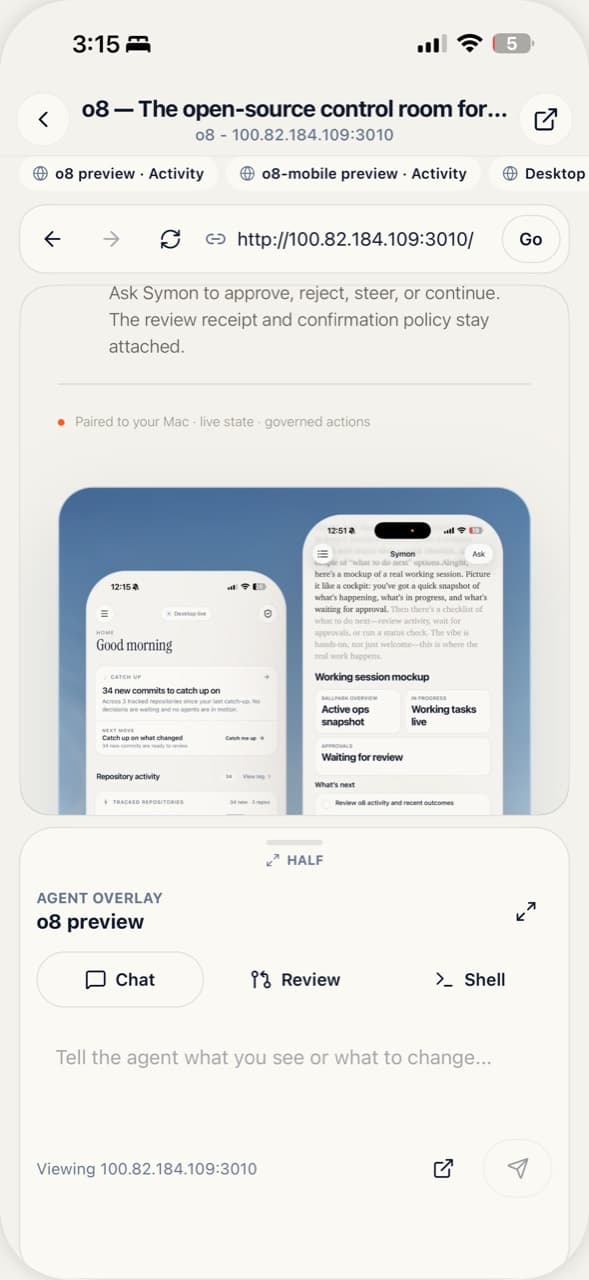
The o8 orchestrator home on iPhone
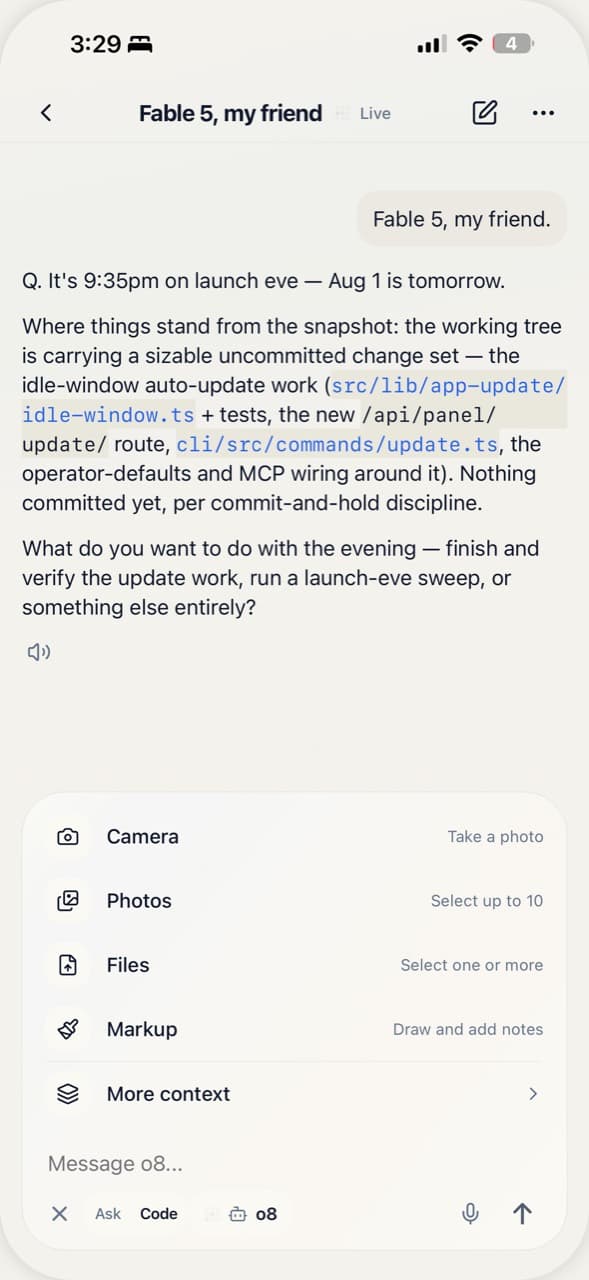
A live orchestrator chat thread on iPhone
Steer your orchestrator

Run the room from anywhere.

Open a thread and talk to the orchestrator the way you would at the desk. Replies stream in as they land; dispatch a wave of workers, then watch the packet-merged events come back one by one. The desktop stays the source of truth — the phone reads and steers the same live session.
A real terminal

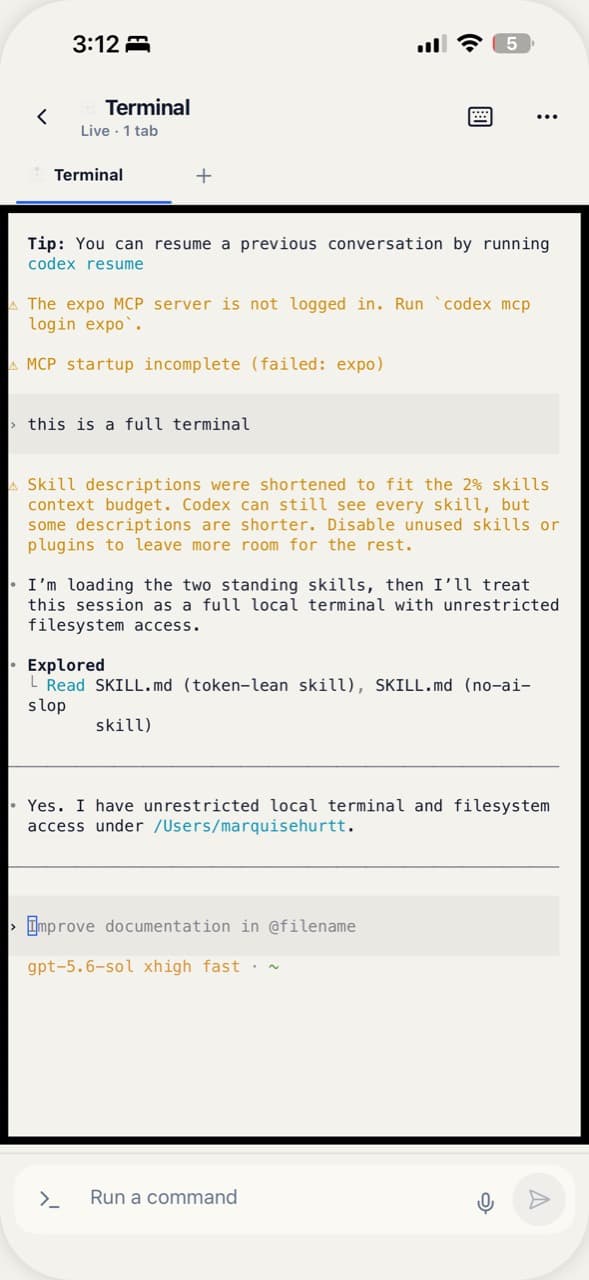
A full terminal, not a log viewer.

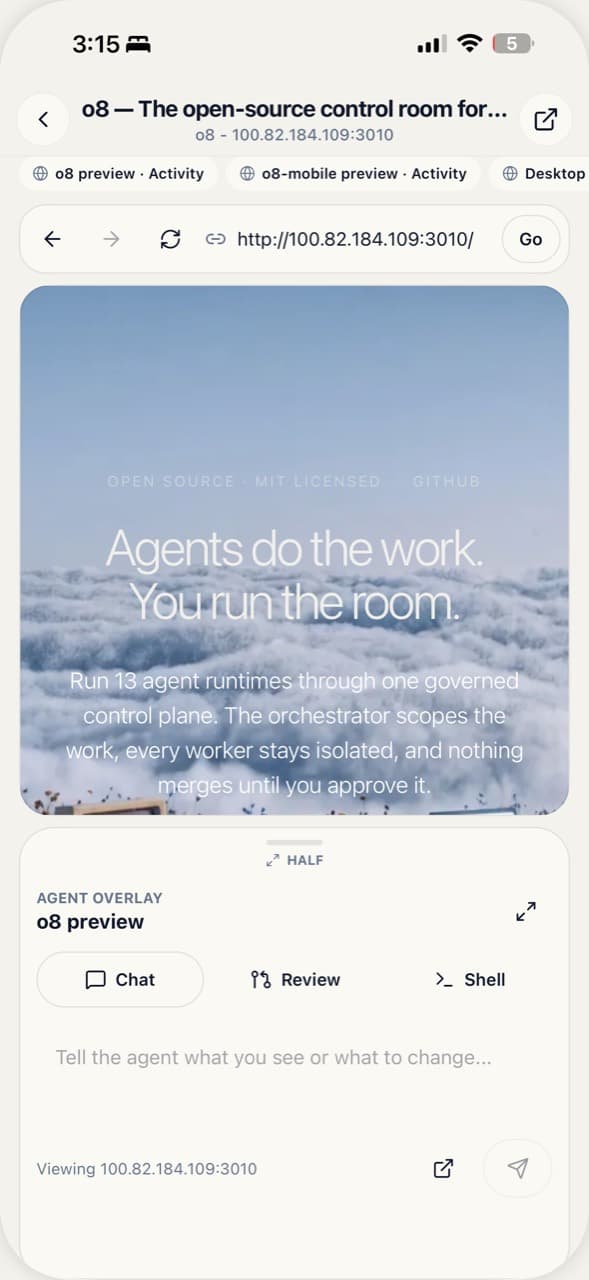
It runs xterm over a live PTY on your Mac, so it renders a true two-dimensional terminal — colors, cursor, full-screen TUIs. Drive any command line o8 hosts, including Claude Code. A keyboard and an accessory key row (esc, tab, ctrl-C, arrows) put every keystroke through.
A live xterm terminal session on iPhone
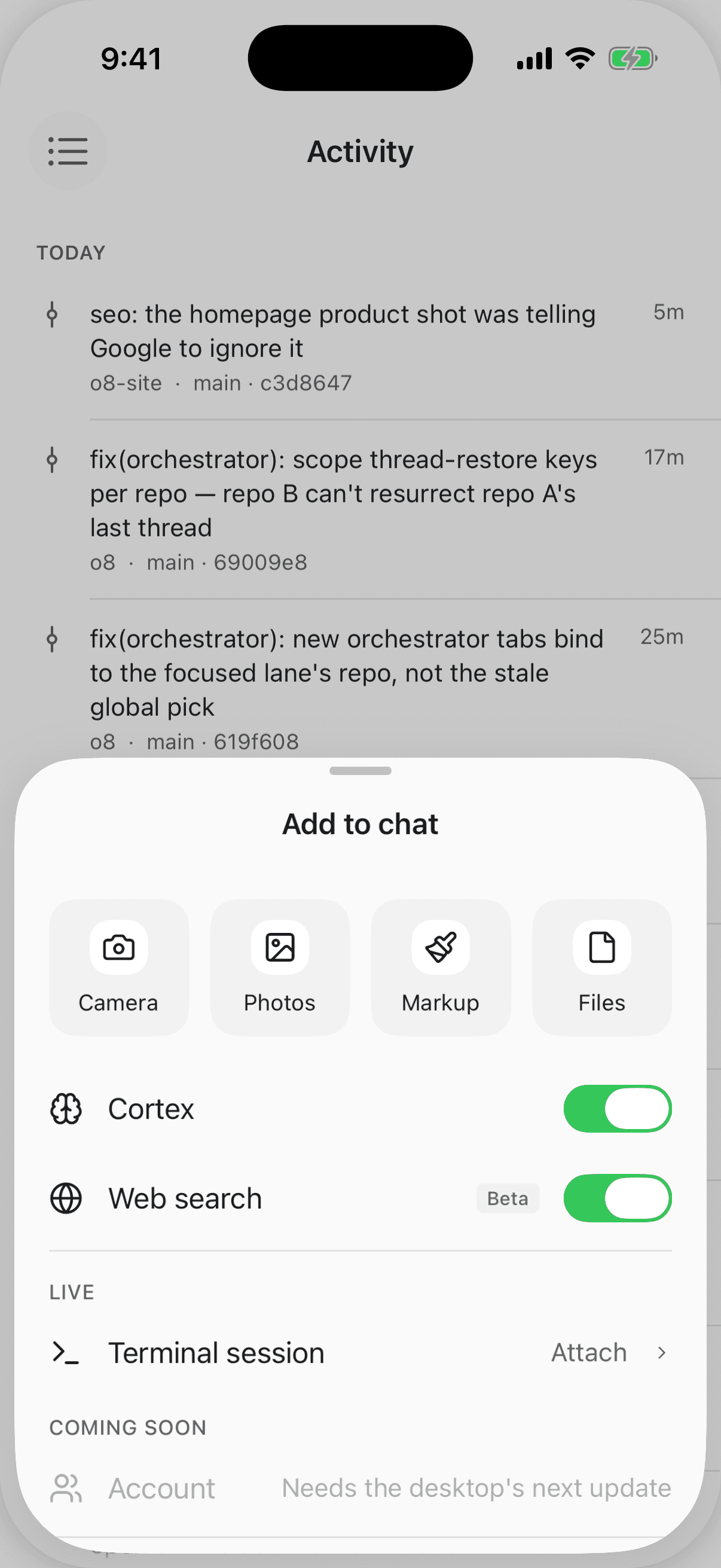
The Add to chat composer sheet on iPhone
Compose the scope

Attach live capabilities to a message.

The composer’s Add to chatsheet is how you set what the orchestrator can reach for this turn — the Cortex Engineering Brain, web search, a live terminal session, files and photos. Turn a capability on and it rides with the message.
APPROVE WITH A SWIPE

WATCH THE FLEET

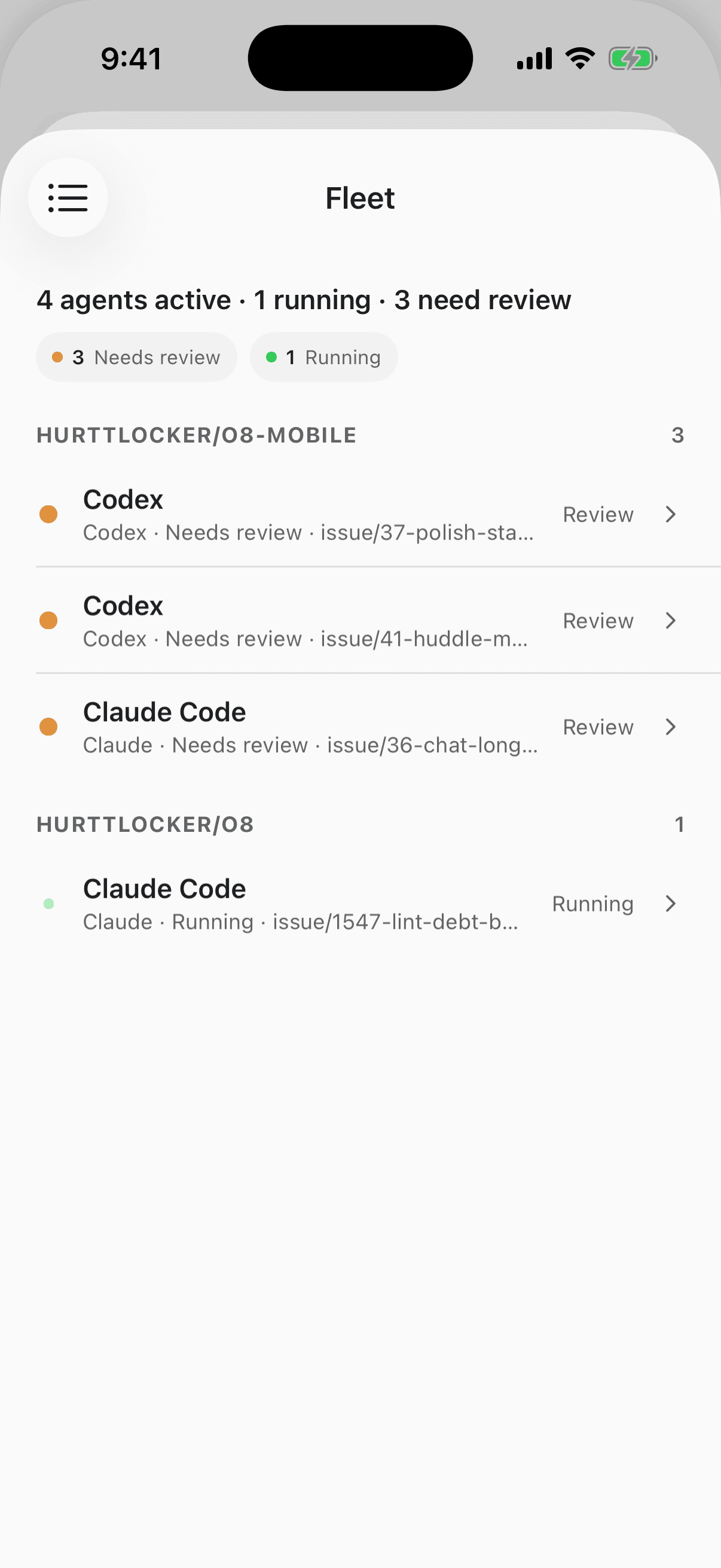
The agent fleet grouped by status on iPhone
The fleet — grouped by repo and status
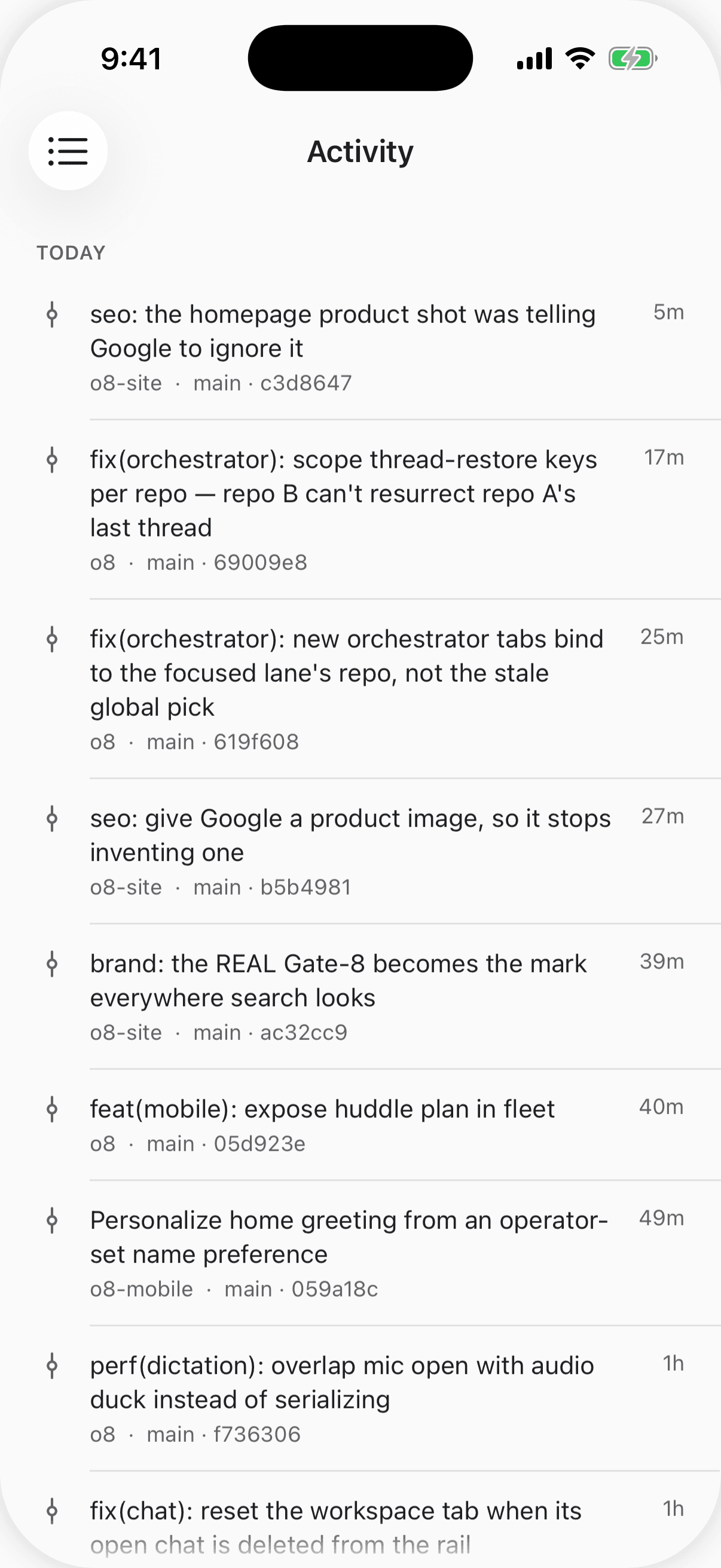
The fleet activity feed of recent merges on iPhone
Activity — every merge as it lands
Talk to Symon

A voice operator, phone-hosted.

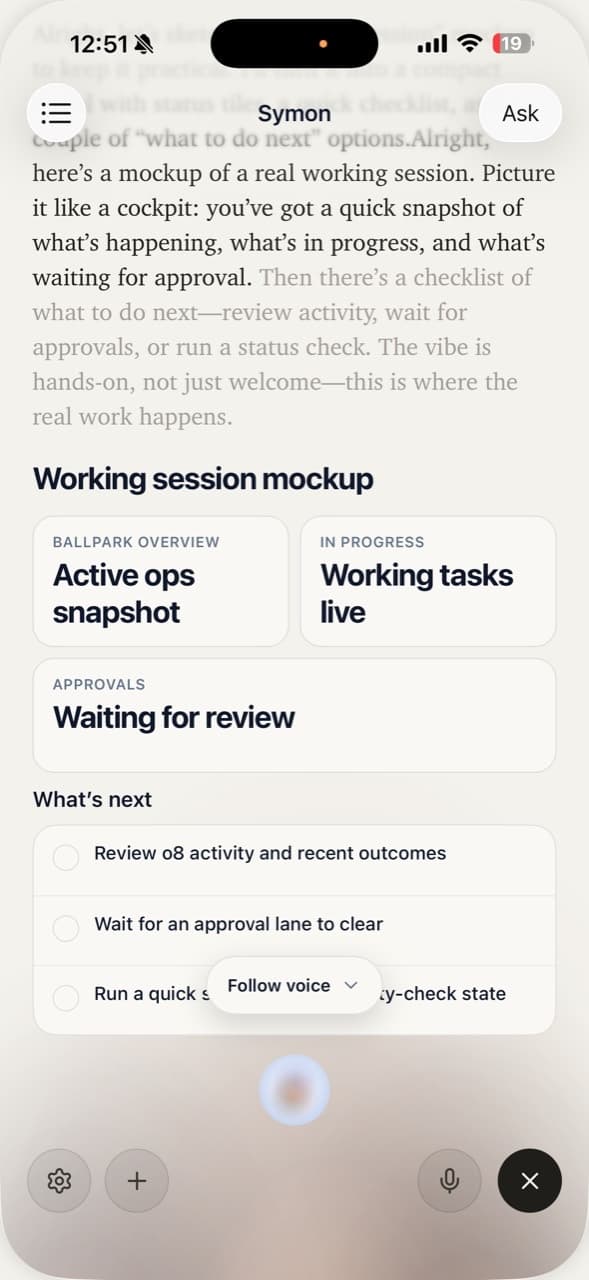
Symon is o8’s voice. On the phone the conversation is hosted right there — hold, speak, and it answers. When it acts, the tools run on your Mac, and anything that changes the world still passes an approval card first. The same governed grammar as the desk, spoken out loud.
Symon voice mode on iPhone
HOW IT CONNECTS

Your Mac is the backend
The o8 desktop app serves the connection. The phone renders what it reports and sends your decisions back — your code and your agents never leave the machine.
Direct over your network
On the same Wi-Fi it connects on your LAN; over Tailscale it stays connected anywhere, still point-to-point to your Mac. No relay, no middle tier.
Paired by QR, kept in the keychain
First run pairs by scanning a QR from the desktop, with a manual multi-host fallback. The bearer token lives in the iOS keychain — encrypted on the device.
TestFlight

Coming to public TestFlight soon.

o8 for iOS is in the last stretch before an open beta. It pairs with the o8 desktop app on your Mac — start there today, and you’ll be ready the day the beta opens.

Requires macOS 14+ and the o8 desktop app